

Technology plays an important role in everyday life, from working on a computer and attending online meetings to managing schedules and staying connected with friends. While smartphones, laptops, and tablets receive much of the attention, the accessories used alongside these devices can make a noticeable difference. The right keyboard, charger, headphones, or laptop stand can improve comfort, save time, and help you get more value from the technology you already own.
Upgrading everyday tech accessories does not mean buying every new gadget on the market. It means identifying products that solve common problems, improve reliability, or make daily tasks easier. Whether you work remotely, study online, travel frequently, or simply use technology at home, choosing practical accessories can create a smoother and more comfortable digital experience.
Read More: Future Gadgets That Could Transform Daily Life
Wireless Charging Stations
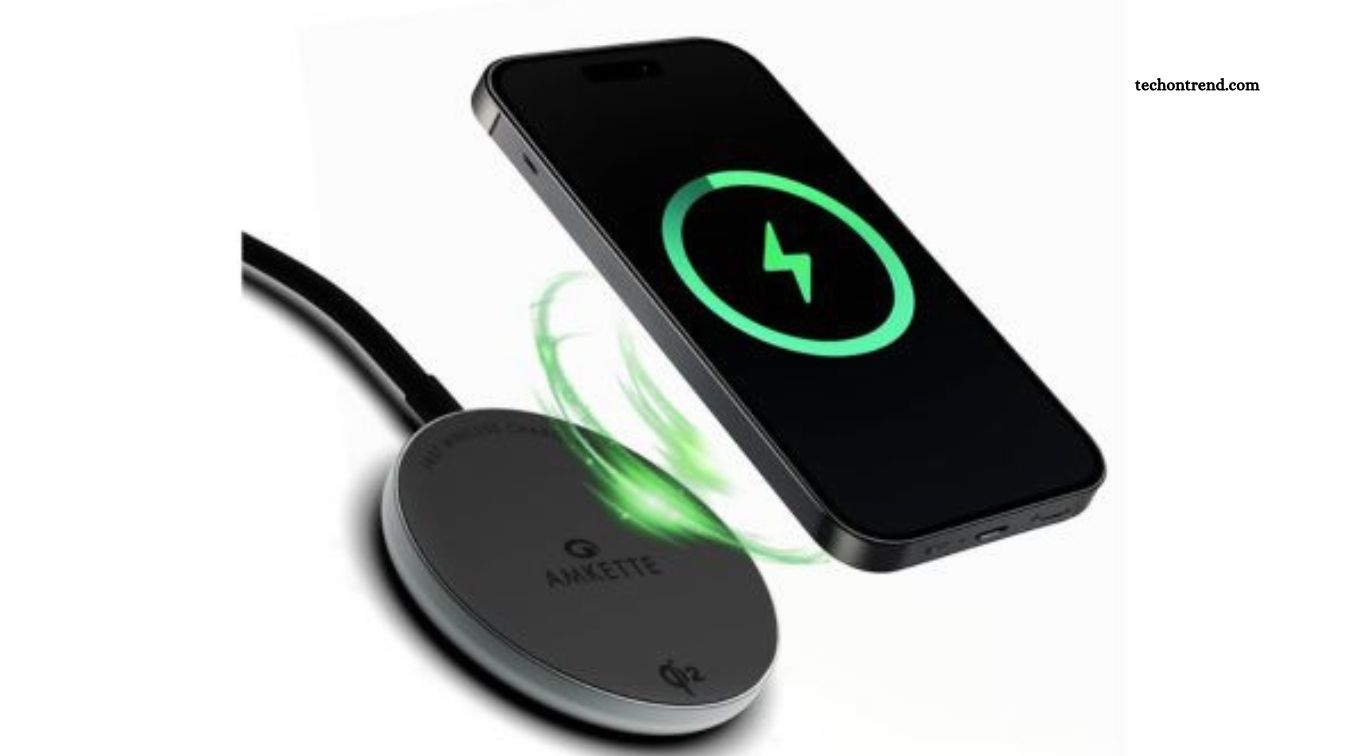
Wireless charging stations are useful upgrades for people who regularly charge smartphones, earbuds, and other compatible devices. Instead of managing several charging cables across a desk or bedside table, a suitable charging station can keep compatible devices organized in one place. Some models also support multiple devices simultaneously, making them convenient for people who use several gadgets throughout the day.
Before purchasing a wireless charger, check device compatibility, supported charging speeds, and power requirements. A charging station with a stable base and thoughtful design can reduce clutter while keeping your essential devices accessible. However, wireless charging is not automatically faster or more efficient than wired charging, so compare performance and convenience before deciding which option suits your routine.
Fast USB-C Chargers
A modern USB-C charger can make charging more convenient, particularly if you own a smartphone, tablet, laptop, or other device that supports USB-C power delivery. Instead of carrying separate adapters for every device, a compatible multiport charger may allow you to power several products with one compact accessory. This is especially helpful when traveling or working in different locations.
Choose a charger with sufficient wattage for your devices and support for the charging standards they require. A charger with multiple ports may divide its available power when several devices are connected, so check the manufacturer’s specifications. Reliable construction and appropriate safety certifications are also important. Avoid unfamiliar chargers with unclear specifications, as a low purchase price is not worth compromising charging reliability.
Ergonomic Wireless Keyboards
An ergonomic wireless keyboard can improve the comfort and organization of a workspace. People who spend hours typing may appreciate a keyboard with a comfortable layout, responsive keys, and a suitable typing angle. Wireless models also reduce cable clutter, allowing a desk to remain tidy and making it easier to reposition equipment when needed.
The best keyboard depends on your typing habits, preferred key feel, and available desk space. Some users prefer compact keyboards, while others need dedicated number pads, programmable keys, or split designs. Before upgrading, consider whether the keyboard supports your operating system and offers reliable connectivity. A comfortable keyboard can improve the daily typing experience, although it should be paired with good posture and regular breaks.
High-Quality Wireless Mice
A reliable wireless mouse is a practical upgrade for anyone who uses a computer frequently. Compared with an uncomfortable or unreliable mouse, a well-designed model can offer more precise movement, responsive buttons, and a shape that suits your hand. Wireless connectivity also gives you greater freedom to arrange your desk without dealing with an additional cable.
Look for adjustable sensitivity, dependable battery life, and a comfortable grip that matches your work style. Some models include extra buttons for shortcuts, while others prioritize portability for travel. If you work with spreadsheets, creative software, or detailed editing tasks, precise tracking may be especially useful. Choose a mouse based on your needs rather than paying extra for gaming features you are unlikely to use.
Noise-Canceling Headphones
Noise-canceling headphones can make everyday listening and focused work more comfortable. They are particularly useful in shared offices, busy households, public transportation, and other environments where background noise makes concentration difficult. Depending on the model, active noise cancellation can reduce certain environmental sounds, while comfortable ear cushions and clear audio improve the overall listening experience.
When comparing headphones, consider battery life, microphone quality, comfort, connection stability, and compatibility with your devices. If you regularly attend online meetings, test how well the microphone handles surrounding noise. Noise cancellation does not eliminate every sound, and some people prefer lighter headphones or models with transparency modes. The best upgrade is one that suits your listening habits and remains comfortable during extended use.
Portable Power Banks
A portable power bank is a valuable accessory for people who travel, commute, attend classes, or spend long periods away from electrical outlets. It provides backup power when a smartphone or other compatible device runs low on battery. A dependable power bank can also reduce the need to search for charging points during busy days, making it easier to stay connected when necessary.
Consider battery capacity, charging speed, physical size, and the types of devices you need to power. A larger capacity can provide more charging potential but usually adds weight and bulk. Check whether the power bank supports the appropriate charging standards and whether its output is sufficient for your devices. Use reputable products and follow airline rules when carrying larger battery packs during air travel.
Laptop Stands
A laptop stand can improve workspace comfort by raising the screen closer to eye level. Using a laptop directly on a desk often encourages people to look downward for extended periods, which may contribute to neck and shoulder discomfort. A suitable stand can help create a more comfortable viewing position, especially when combined with an external keyboard and mouse.
Laptop stands come in fixed, adjustable, foldable, and portable designs. If you frequently work from different locations, a lightweight model may be more practical than a heavy desktop stand. Check the stand’s stability, height range, ventilation design, and compatibility with your laptop’s size and weight. A stand is a relatively simple upgrade that can make a home office or study area more functional.
USB-C Hubs and Docking Stations
USB-C hubs and docking stations help expand the connection options available on modern laptops and tablets. Many slim devices have limited ports, making it difficult to connect external monitors, storage drives, keyboards, memory cards, and other peripherals at the same time. A suitable hub can bring these connections together through a single compatible port.
Before buying one, check which ports you need and whether your device supports the required functions. Not every USB-C port supports video output, high-speed data transfer, or laptop charging, and different hubs offer different capabilities. If you regularly use multiple monitors or demanding peripherals, a full docking station may be more suitable than a basic hub. Choosing the right connection setup can reduce interruptions and make your workspace easier to manage.
External Solid-State Drives
An external solid-state drive, or SSD, is a useful upgrade for people who need additional storage or regularly transfer large files. SSDs generally provide faster access to data than traditional external hard drives, making them suitable for storing photographs, videos, work documents, and creative projects. Their compact size also makes them convenient for carrying important files between locations.
When comparing external SSDs, look at storage capacity, connection type, transfer speeds, durability, and compatibility with your computer. Some models offer extra protection against drops or water exposure, which can be useful when traveling. Remember that portable storage is not a complete backup strategy on its own. Keep additional copies of important files in another secure location to reduce the risk of losing data if a drive fails or goes missing.
Smart Plugs and Power Strips
Smart plugs and modern power strips can make it easier to manage everyday electronic devices. Depending on the model, smart plugs allow compatible lamps, fans, and other appliances to be controlled through an app or voice assistant. Advanced power strips may also provide convenient USB charging ports, surge protection, and better organization for equipment around a desk or entertainment area.
Check the maximum supported load, device compatibility, and safety features before purchasing. Smart plugs should only be used with appliances that are appropriate for their electrical ratings, and they should not replace proper safety controls for high-power equipment. If you regularly use a computer, television, or gaming system, a suitable surge-protected power strip may be a more useful upgrade than adding smart features you rarely need.
Adjustable Desk Lighting
Good desk lighting can make reading, studying, video calls, and computer work more comfortable. An adjustable LED desk lamp lets you direct light toward your workspace without relying entirely on overhead lighting. Many modern lamps offer brightness settings, adjustable color temperature, and flexible arms that help position light where it is needed.
When choosing a desk lamp, consider its brightness range, adjustability, footprint, and ease of control. A lamp with adjustable color temperature can provide cooler light for some daytime tasks and warmer light for a more relaxed evening environment. Position the light to reduce reflections on your monitor and avoid harsh glare. A well-placed lamp can improve the usability of a desk without requiring a major investment.
Webcam and Microphone Upgrades
A dedicated webcam and microphone can improve the quality of online meetings, virtual classes, interviews, and video calls. Built-in laptop cameras and microphones are convenient, but they may not always provide the image clarity or voice quality you want. An external webcam can offer better positioning and image quality, while a dedicated microphone may capture speech more clearly in a suitable environment.
You do not necessarily need professional recording equipment to make a noticeable improvement. Look for a webcam with adequate resolution and reliable autofocus if needed, along with a microphone that suits your room and typical recording distance. Good lighting and a quiet environment also affect call quality. If you regularly communicate online for work or education, upgrading these accessories can help you present yourself more clearly.
Cable Organizers and Desk Management Tools
Cable organizers may seem less exciting than electronic gadgets, but they can improve a workspace in practical ways. Clips, sleeves, ties, and under-desk trays help prevent charging cables and peripheral wires from becoming tangled. Better cable management also makes it easier to clean a desk, move equipment, and identify the correct cable when something needs to be disconnected.
Choose organizers based on the number of cables you use and how often your setup changes. Reusable cable ties are helpful for temporary arrangements, while adhesive clips can keep frequently used charging cables within reach. Avoid bending cables sharply or placing them where chairs and desk legs can damage them. A small investment in cable organization can make an existing technology setup feel cleaner and easier to maintain.
Screen Cleaning Kits
A screen cleaning kit is a simple accessory that can help keep smartphones, tablets, laptops, and monitors free from fingerprints and everyday dust. Clean displays are easier to view, and regular care can help prevent dirt from accumulating around the screen and device surfaces. A basic kit often includes a suitable cleaning solution and a soft microfiber cloth designed for delicate surfaces.
Always follow the manufacturer’s cleaning instructions for your particular device. Some coatings can be damaged by abrasive materials or harsh household chemicals, so avoid using products that are not approved for the screen. Apply cleaning solution according to the product directions rather than spraying liquid directly onto electronic equipment. Proper cleaning habits can preserve the appearance of your devices without requiring expensive accessories.
How to Choose the Right Tech Accessories to Upgrade
Start by identifying the problems you encounter most often. If your phone battery runs out during the day, a power bank may be more useful than a new set of headphones. If your desk feels uncomfortable, consider a laptop stand, external keyboard, or mouse. Prioritizing practical improvements helps you spend money on accessories that deliver noticeable value instead of buying products simply because they are popular.
You should also check compatibility, build quality, warranty coverage, and long-term usefulness before making a purchase. Compare specifications carefully, read credible customer reviews, and avoid paying for features you will rarely use. Reliable accessories do not always have to be expensive, but they should meet your needs and come from trustworthy manufacturers. Upgrading gradually can help you build a more effective technology setup while keeping spending under control.
Frequently Asked Questions
Which Tech Accessories Are Worth Upgrading First?
Start with accessories that solve everyday problems, such as a reliable charger, comfortable mouse, laptop stand, or portable power bank.
Are Expensive Tech Accessories Always Better?
No. The best accessory offers reliable performance, useful features, good compatibility, and appropriate quality for its price.
What Accessories Improve Productivity?
USB-C hubs, ergonomic keyboards, wireless mice, external SSDs, and suitable desk lighting can make common tasks more convenient.
Are Wireless Accessories Better Than Wired Ones?
Wireless accessories reduce cable clutter and improve portability, while wired options can offer consistent connections without battery charging.
How Can I Avoid Buying Incompatible Accessories?
Check your device’s ports, supported charging standards, operating system requirements, and manufacturer recommendations before purchasing.
How Often Should Tech Accessories Be Replaced?
Replace accessories when they become unreliable, uncomfortable, unsafe, incompatible, or unable to meet your everyday needs.
Conclusion
Everyday tech accessories can improve how you work, study, communicate, and manage your devices. From fast chargers and wireless mice to laptop stands, external SSDs, and desk lighting, the right upgrades can provide practical benefits without requiring you to replace your main devices. The most valuable accessories are those that address real problems and fit naturally into your routine. Before spending money, evaluate your current setup and decide which improvements would make the biggest difference.
