

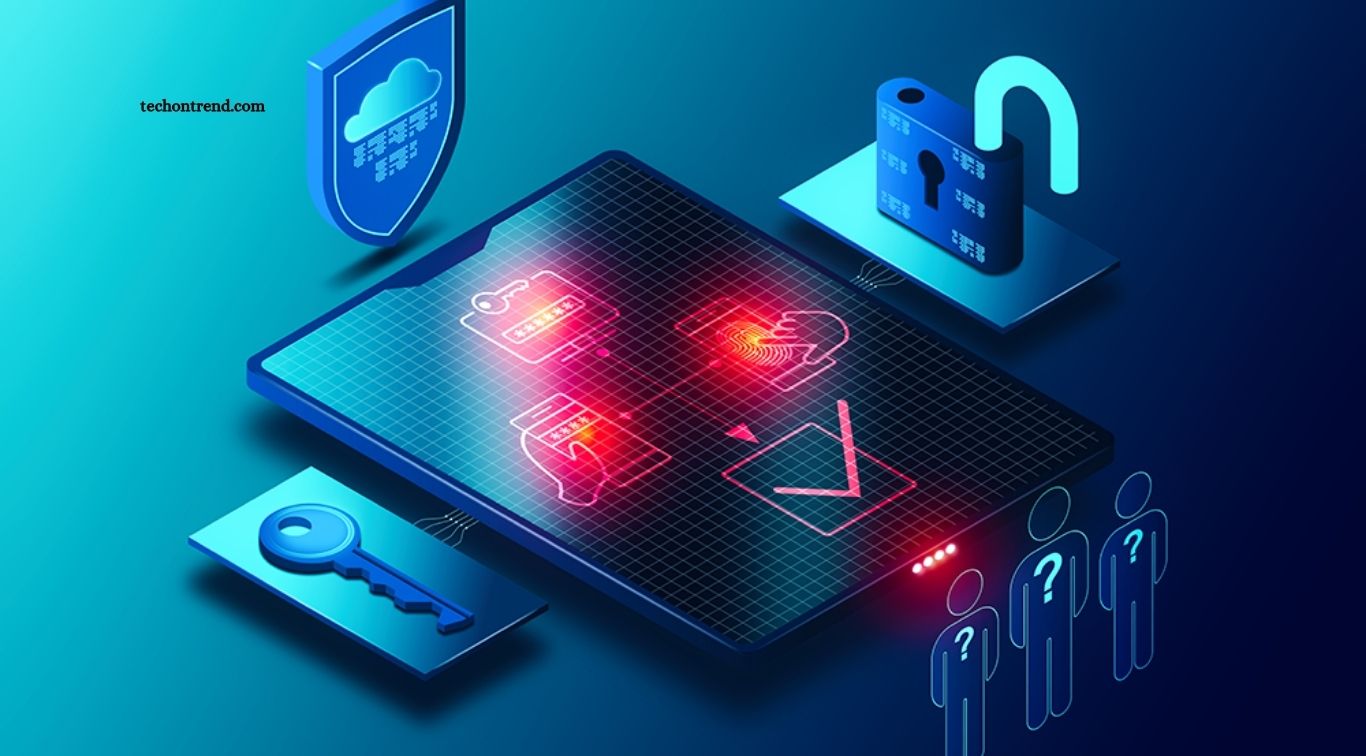
Cyber threats continue to evolve, making online security more important than ever. Passwords alone no longer provide enough protection for personal accounts, business systems, and sensitive information. Multi-Factor Authentication (MFA) offers an additional security layer by requiring users to verify their identity through multiple methods.
From banking platforms to social media accounts and workplace applications, MFA is becoming a standard security practice. Understanding how it works, why it matters, and how to use it can help individuals and businesses reduce the risk of unauthorized access.
Read More: Protecting Personal Information in the Digital Age
What Is Multi-Factor Authentication?
Multi-Factor Authentication is a security method that requires two or more verification factors before granting account access. Instead of relying only on a password, MFA combines different types of credentials.
Common authentication factors include:
- Something you know: Password, PIN, or security question
- Something you have: Smartphone, security key, or authentication device
- Something you are: Fingerprint, facial recognition, or other biometric data
For example, when logging into an online account, you may enter your password and then confirm your identity using a code sent to your phone or generated by an authenticator app.
Why Are Passwords No Longer Enough?
Passwords remain one of the most common targets for cybercriminals. Weak passwords, reused credentials, phishing attacks, and data breaches can expose login information.
Even a strong password can become compromised if it is entered on a fake website or stolen during a security breach. MFA reduces this risk by adding another verification step.
If an attacker obtains your password, they may still be unable to access your account without the second authentication factor.
How Multi-Factor Authentication Improves Security
MFA provides several important security benefits.
Protects Against Stolen Passwords
A stolen password does not automatically give attackers complete access when MFA is enabled. The additional verification requirement creates another barrier.
Reduces Account Takeover Risks
Account takeover attacks can lead to financial losses, identity theft, data exposure, and reputational damage. MFA makes unauthorized account access significantly more difficult.
Provides Better Protection Against Phishing
Modern phishing attacks often attempt to steal usernames and passwords. MFA can provide additional protection, although users should understand that some advanced phishing attacks can target authentication sessions or MFA approvals. Using phishing-resistant methods, such as security keys or passkeys, can provide stronger protection.
Protects Sensitive Business Data
Businesses store valuable information such as customer records, financial documents, employee data, and intellectual property. MFA can help protect these resources from unauthorized users.
Supports Remote Work Security
Remote employees frequently access company systems from different locations and devices. MFA helps organizations verify users before allowing access to business applications and cloud platforms.
Different Types of Multi-Factor Authentication
Not every MFA method provides the same level of security. Understanding the available options can help users choose stronger protection.
SMS Authentication
SMS authentication sends a verification code to a registered phone number. It is convenient and widely supported, but it can be vulnerable to threats such as SIM swapping.
Authenticator Apps
Apps such as authenticator tools generate temporary verification codes. They generally provide stronger protection than SMS-based authentication and do not require cellular service for every login.
Push Notifications
Push-based MFA sends an approval request to a trusted device. Users can approve or deny the login attempt directly.
Users should avoid approving unexpected authentication requests because attackers may use repeated prompts to trick users into accepting fraudulent logins.
Biometric Authentication
Biometric authentication uses unique physical characteristics, such as fingerprints or facial recognition. It offers a convenient way to verify identity and is commonly available on modern smartphones and computers.
Security Keys
Physical security keys provide strong protection against phishing and account compromise. They require users to connect or tap a trusted device during authentication.
Passkeys
Passkeys use cryptographic credentials instead of traditional passwords. They can provide convenient, phishing-resistant authentication across supported devices and services.
The Importance of MFA for Businesses
Businesses face increasingly sophisticated cyber threats. A compromised employee account can provide attackers with access to internal systems, cloud services, emails, and sensitive company information.
Implementing MFA across important business accounts can reduce unauthorized access risks. Organizations should prioritize MFA for:
- Administrator accounts
- Business email accounts
- Cloud platforms
- Financial systems
- Customer management systems
- Remote access services
- Developer and IT infrastructure
- Employee accounts with sensitive permissions
Organizations can also strengthen security by combining MFA with strong password policies, device management, employee training, and regular security monitoring.
MFA and Zero Trust Security
MFA also plays an important role in modern Zero Trust security strategies. Zero Trust follows the principle of continuously verifying users, devices, and access requests instead of automatically trusting users inside a network.
MFA helps organizations confirm user identity before granting access to sensitive resources. Combined with device verification, access controls, and continuous monitoring, it creates a stronger security framework.
Common Challenges With Multi-Factor Authentication
Although MFA provides significant security benefits, it can sometimes create challenges.
Users may lose access to their authentication device, forget backup codes, or find certain verification methods inconvenient. Businesses may also face resistance from employees who prefer simpler login processes.
Organizations can address these problems by providing clear instructions, backup authentication methods, recovery procedures, and user training. The goal should be to make MFA secure without making the login experience unnecessarily complicated.
How to Enable MFA Safely
Users can improve account security by following a few practical steps:
- Enable MFA on important accounts.
- Use an authenticator app or security key when available.
- Avoid approving unexpected login requests.
- Keep recovery codes stored in a secure location.
- Never share authentication codes with anyone.
- Use unique passwords alongside MFA.
- Keep phones, computers, and authentication apps updated.
- Review account login activity regularly.
- Remove old devices from account security settings.
- Prefer phishing-resistant authentication methods when available.
The Future of Multi-Factor Authentication
MFA is moving toward more secure and user-friendly technologies. Passkeys, biometric verification, hardware security keys, and risk-based authentication are becoming increasingly important.
Future authentication systems are likely to focus on reducing dependence on traditional passwords while improving protection against phishing, credential theft, and automated attacks.
As digital services continue expanding, strong identity verification will become an essential part of everyday online security.
Frequently Asked Questions
What is Multi-Factor Authentication?
MFA requires two or more verification methods to confirm a user’s identity before account access.
Is MFA better than a password?
Yes. MFA adds another security layer, making stolen passwords less useful to attackers.
Which MFA method is most secure?
Phishing-resistant options such as security keys and passkeys generally provide strong protection.
Can MFA prevent phishing?
MFA can reduce phishing-related risks, while phishing-resistant authentication provides stronger protection.
Should businesses use MFA?
Yes. Businesses should use MFA to protect employee accounts, administrative systems, cloud services, and sensitive data.
Is SMS MFA completely secure?
SMS MFA is better than using only a password, but authenticator apps, passkeys, and security keys can provide stronger protection.
Conclusion
The growing importance of Multi-Factor Authentication reflects the changing nature of cybersecurity. Passwords alone cannot provide reliable protection against every modern threat. MFA adds another layer of defense by requiring users to prove their identity through multiple verification methods. For individuals, enabling MFA can protect personal accounts, financial information, and private data. For businesses, it can reduce unauthorized access risks and strengthen overall cybersecurity.
