

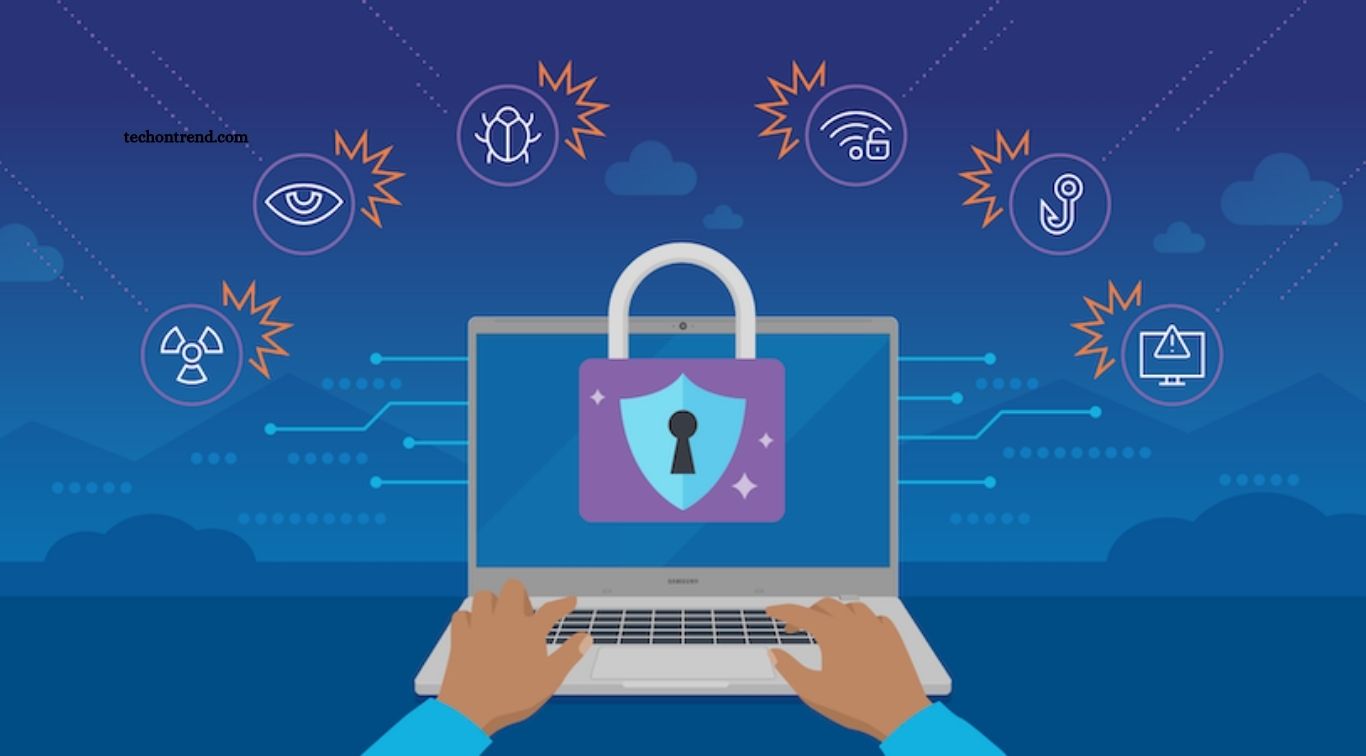
Remote work offers flexibility, convenience, and better control over daily schedules. However, working from home, cafés, coworking spaces, or other locations can create cybersecurity risks. Personal Wi-Fi networks, shared devices, unsecured connections, and phishing attacks can expose sensitive business information.
Following essential cybersecurity practices helps remote workers protect accounts, devices, files, and company data. Strong passwords, multi-factor authentication, secure networks, software updates, and careful online behavior can significantly reduce common security risks.
Read More: How Businesses Can Build Stronger Cyber Defenses
Use Strong and Unique Passwords
Every work account should have a strong and unique password. Avoid using simple passwords based on names, birthdays, phone numbers, or common words. Reusing the same password across multiple accounts can create a major security problem because one compromised account may give attackers access to other services.
A password manager can make password security easier by generating and storing unique passwords. Remote workers should also change compromised passwords immediately and avoid sharing login credentials through email, messaging apps, or other insecure channels.
Enable Multi-Factor Authentication
Multi-factor authentication adds another security layer to online accounts. Instead of relying only on a password, MFA can require an authentication app, security key, biometric verification, or another approved method.
Remote workers should enable MFA on email, cloud storage, project management platforms, company applications, and other important accounts. Even when a password is exposed through phishing or a data breach, an additional authentication step can make unauthorized access more difficult.
Secure Your Home Wi-Fi Network
Home Wi-Fi should have a strong password and modern security settings. Remote workers should change the router’s default administrator password and keep the router firmware updated. WPA2 or WPA3 encryption should be used when supported by the device.
Avoid using open or unsecured Wi-Fi networks for sensitive work whenever possible. When public Wi-Fi is necessary, connecting through a trusted VPN can provide additional protection for internet traffic. Remote workers should also avoid accessing confidential company systems on unknown networks without appropriate security controls.
Keep Devices Updated
Operating system and application updates often include important security fixes. Delaying updates can leave computers and smartphones exposed to vulnerabilities that attackers may already know how to exploit.
Enable automatic updates when possible and regularly update browsers, productivity applications, security software, operating systems, and router firmware. Company-managed devices should follow the organization’s update and patching policies.
Recognize Phishing Attacks
Phishing remains a common cybersecurity threat for remote workers. Attackers may send emails or messages pretending to be managers, clients, banks, delivery companies, or technology providers. These messages often attempt to create urgency and encourage users to click a malicious link, open an attachment, or reveal login information.
Check the sender’s address carefully before responding to unexpected messages. Avoid clicking suspicious links and verify unusual requests through a separate communication channel. Legitimate organizations generally do not require employees to reveal passwords or authentication codes through email.
Use a Trusted VPN
A virtual private network can provide an additional layer of protection when accessing company resources from remote locations. A business VPN can help secure connections between remote workers and organizational systems, depending on how it is configured.
Employees should use the VPN provided or approved by their organization rather than installing unknown free VPN services. A VPN does not eliminate every cybersecurity threat, so users still need secure passwords, MFA, updated devices, and safe browsing habits.
Protect Work Devices
Work laptops and smartphones should never be left unattended in public places. Use screen locks, strong device passwords, biometric authentication, and automatic lock settings to prevent unauthorized access.
Avoid allowing family members or friends to use company devices. Personal applications and downloads can introduce security risks, while accidental access to business files can expose confidential information. Keep sensitive work devices under your control whenever possible.
Back Up Important Data
Regular backups can reduce the impact of accidental deletion, hardware failure, ransomware, or other security incidents. Important files should be stored using company-approved cloud storage or backup systems.
Remote workers should understand their organization’s backup procedures and avoid saving confidential business information exclusively on a personal computer. Important work files should remain within approved storage platforms with appropriate access controls.
Use Secure Cloud Services
Cloud applications allow remote teams to access documents, communication tools, and business systems from different locations. However, cloud accounts still require strong security practices.
Use only company-approved cloud services and avoid uploading confidential documents to unknown platforms. Review file-sharing permissions before sending documents and remove access when collaboration ends. Sensitive files should only be shared with people who genuinely need access.
Avoid Unnecessary Downloads
Unknown software, browser extensions, files, and applications can introduce malware into a work environment. Remote employees should download software only from trusted sources and follow company approval procedures.
Before opening an attachment or downloading a file, consider whether it was expected and whether the sender is trustworthy. Security software should remain active and updated to help identify malicious files.
Separate Personal and Work Activities
Keeping personal and professional activities separate can reduce cybersecurity risks. When possible, use dedicated work accounts, devices, browsers, and storage locations for business activities.
Avoid using personal email to send confidential company documents or storing work passwords in personal applications. Clear separation also makes it easier for organizations to apply security policies and manage company information.
Secure Video Meetings
Video meetings can expose sensitive information when meeting links or access details are shared publicly. Use passwords, waiting rooms, authentication, and other available security features when appropriate.
Avoid discussing confidential information where unauthorized people can hear the conversation. Remote workers should also check their surroundings before sharing screens and close unrelated applications or documents to prevent accidental exposure.
Lock Your Screen When Away
A simple screen lock can prevent unauthorized access when a remote worker steps away from a computer. Always lock the device before leaving the desk, even for a short period.
Automatic screen-lock settings can provide additional protection when someone forgets to lock the device manually. This practice is especially important when working in shared homes, offices, cafés, airports, or coworking spaces.
Follow Company Security Policies
Organizations often provide specific cybersecurity rules for remote employees. These policies may cover password management, VPN access, device usage, cloud storage, software installation, data sharing, and incident reporting.
Remote workers should understand these requirements and follow them consistently. If a security incident occurs, report it quickly through the company’s approved process. Early reporting can help security teams limit potential damage.
Frequently Asked Questions
Why is cybersecurity important for remote workers?
It protects work accounts, devices, company data, and sensitive information from cyber threats.
Should remote workers use strong passwords?
Yes, unique and strong passwords help prevent unauthorized access to work accounts.
Why should remote workers enable MFA?
MFA adds an extra security layer beyond passwords, making account attacks harder.
Is public Wi-Fi safe for remote work?
Public Wi-Fi can be risky, so use trusted networks and an organization-approved VPN when needed.
How can remote workers avoid phishing attacks?
Check senders carefully, avoid suspicious links, and verify unexpected requests before responding.
Why should remote workers update their devices?
Updates often fix security vulnerabilities and help protect devices from known cyber threats.
Conclusion
Remote work can remain productive and secure when employees follow practical cybersecurity habits. Strong passwords, multi-factor authentication, secure Wi-Fi, regular updates, phishing awareness, protected devices, and safe cloud usage can reduce many common risks. Cybersecurity is a shared responsibility between remote workers and organizations. Consistent security practices help protect personal accounts, business systems, customer information, and confidential data while supporting a safer remote working environment.
